
Learn: Our Food Safe Cutters


The Edible Print-and-Cut Process
What is print & cut

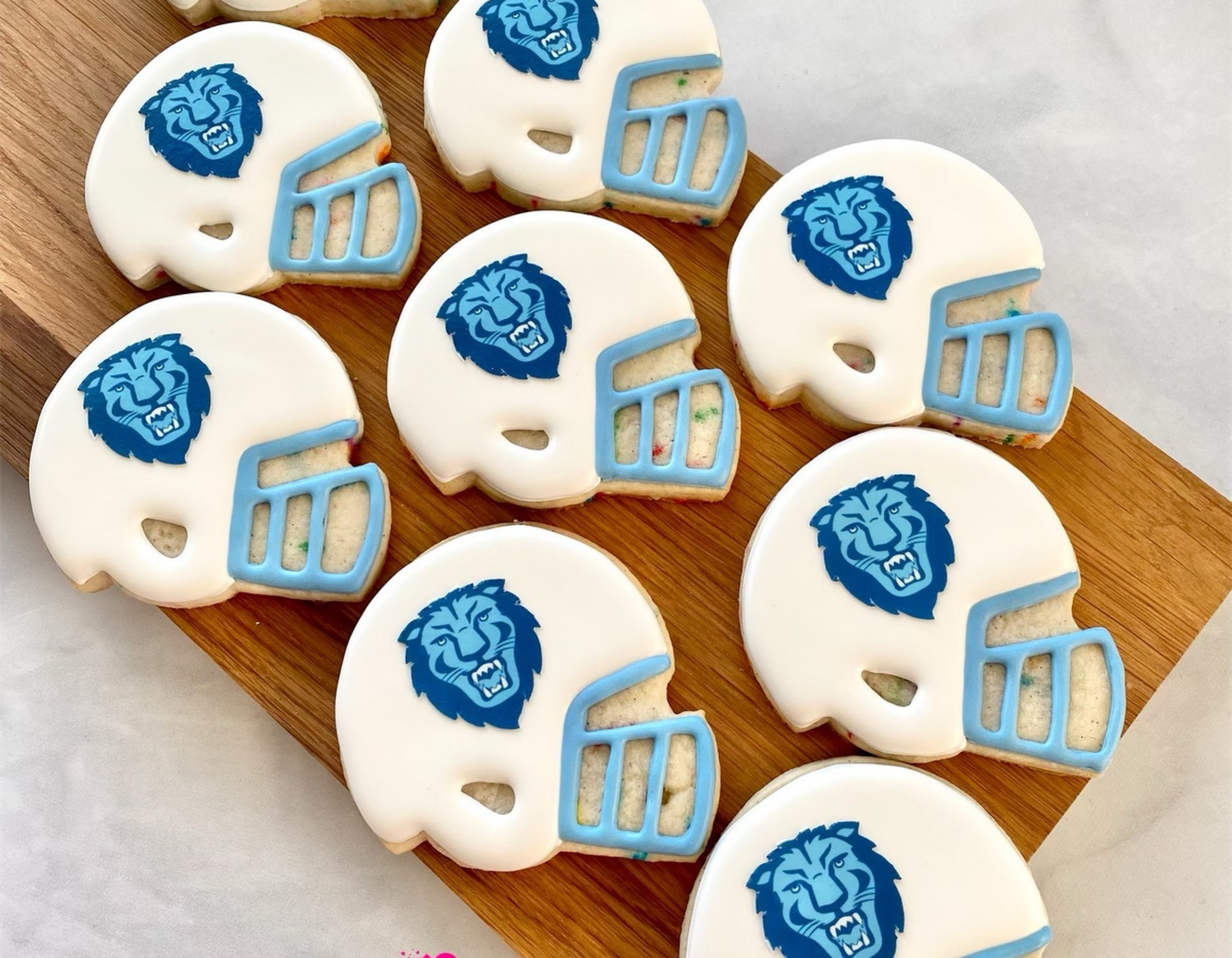
Pair your edible printer with an electronic cutter to create custom edible images cut to exact shapes and sizes for cookies and cakes.
Professional results made simple
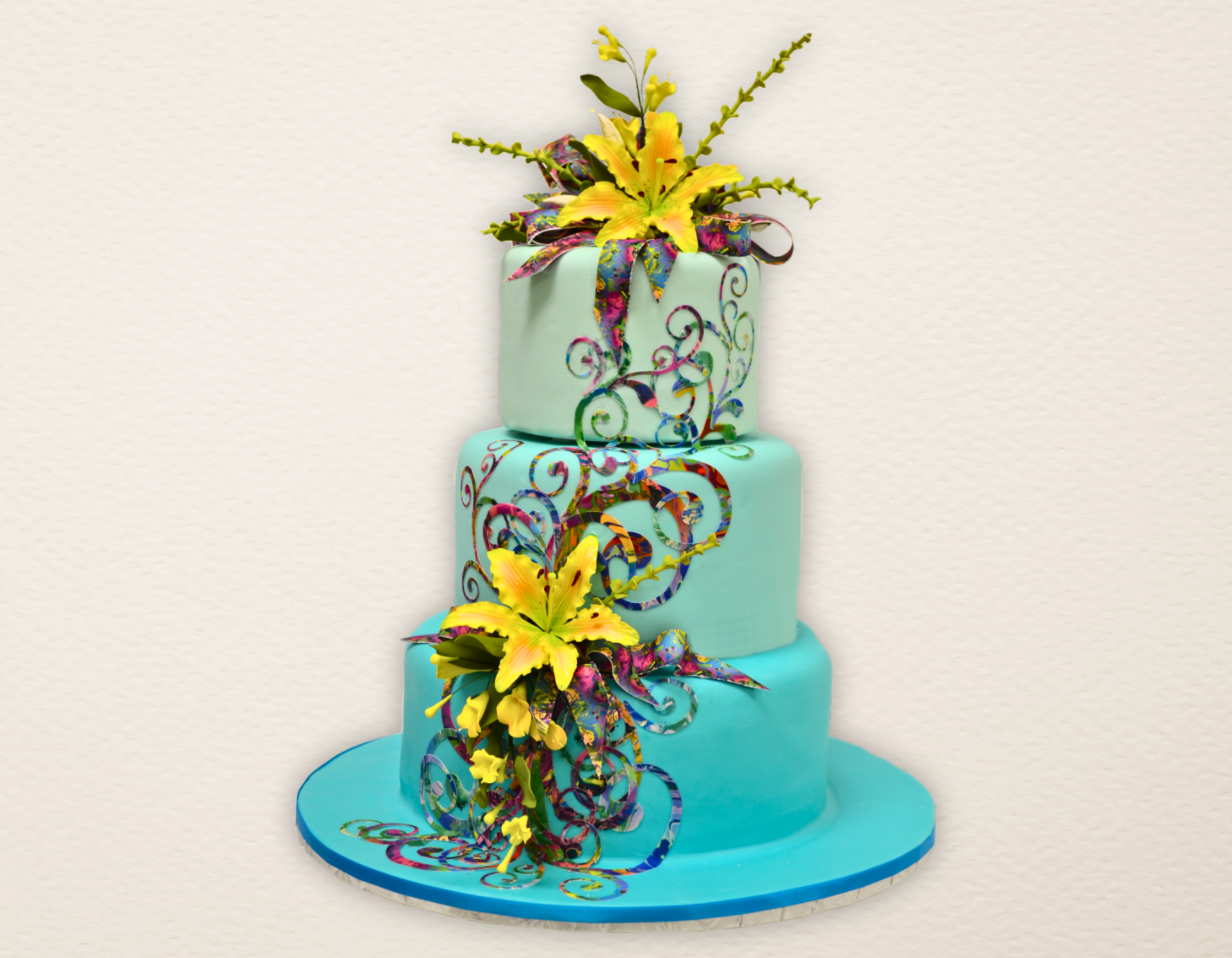
Pairing an edible printer with a Food-Safe Bundled Electronic Cutter creates clean, precise, professional-quality custom edible images every time. Ideal for cookies, cakes, cupcake toppers, and fondant accents, this print-and-cut setup makes decorating faster, cleaner, and cost-effective, delivering perfectly shaped edible art with every design.
Print and cut exact shapes and sizes
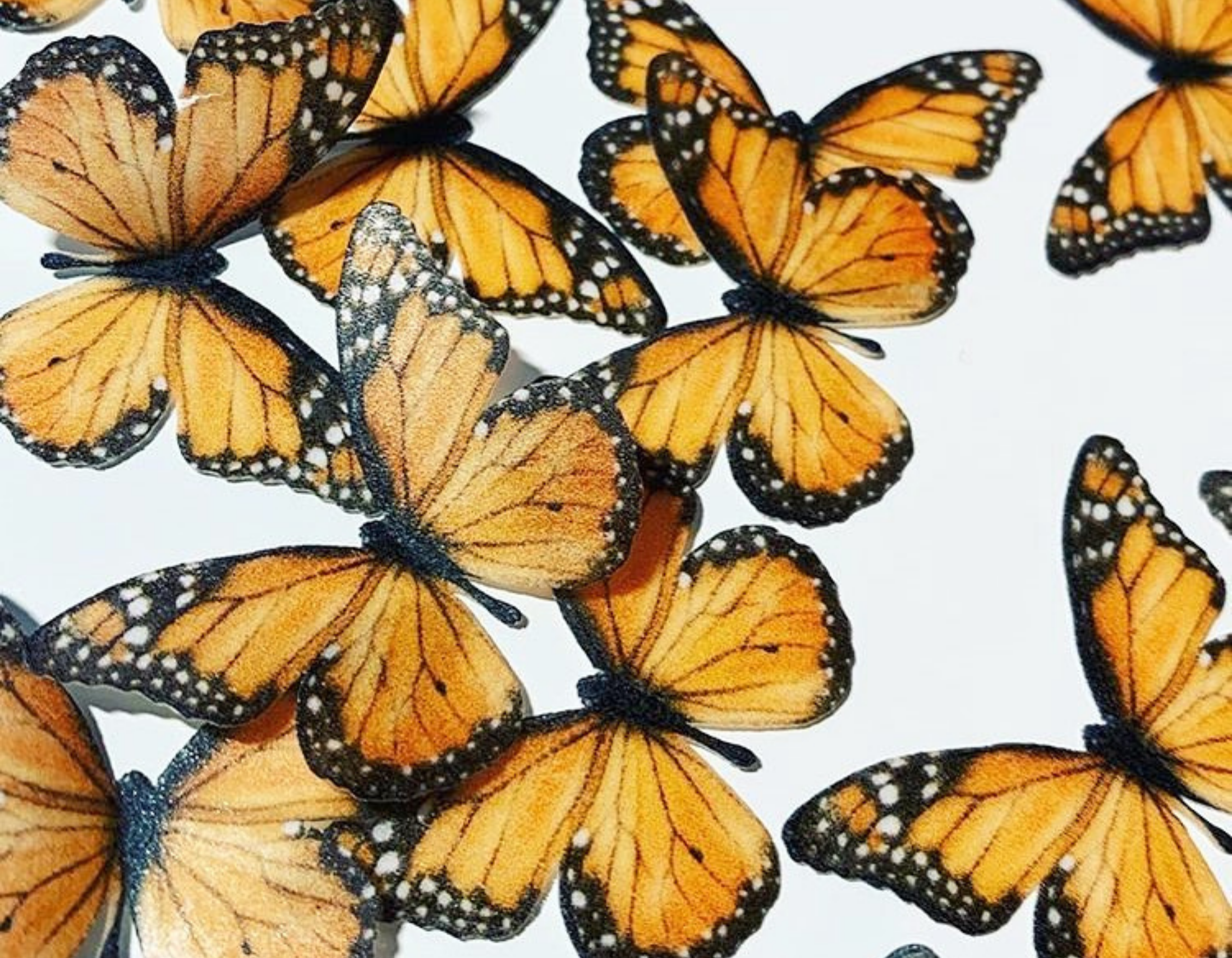
Create edible images cut to the precise shape and size you design. Don't be limited to circles or rectangles.
One seamless design workflow
Use the same software to send your design to the printer and then to the cutter, ensuring accuracy from start to finish.
Perfect cut alignment
Every cut lines up cleanly with your printed image for consistent, professional results.
No hand cutting required
Eliminate tedious trimming with scissors or knives and save valuable decorating time.
Reduce waste and extra costs
Avoid buying pre-cut shapes that may expire or go unused.
Save money on edible paper
Buy standard 8.5" × 11" or A4 edible sheets in bulk and cut exactly what you need, when you need it.
Compare Electronic Cutters

Cricut Joy Xtra Food Safe Cutting System
- Best for everyday custom edible image prints up to 8.5″ × 14″
- Fast, quiet, and compact design—ideal for small kitchens and work spaces
- Perfect for cookies, cupcake toppers, cakes
- Compatible with most edible papers, including icing sheets, wafer paper, and Smart Sheets (excluding Simi Transfer Sheets)
- Not recommended for fondant, stencils, or edible marker projects. For these applications, the Cricut Explore with the Food-Safe Bundle is the recommended option

Cricut Explore with a Food Safe Bundle
- Ideal for larger edible image projects, including A3 prints (requires a wide-format edible printer)
- Well suited for fondant cutting, stencils, and larger edible designs
- Compatible with most edible papers in all shapes and sizes (excluding Simi Transfer Sheets)
- Strong, versatile cutting performance designed for higher-volume production
- Supports edible marker projects for added decorating flexibility



Frequently Asked Questions
Quick answers to the most common edible printer questions.
Which Electronic Cutter with a Food Safe Bundle is best for me?
The Cricut Joy Xtra with a Food-Safe Bundle is ideal for quick edible print-and-cut projects up to 8.5″ × 14″. Its compact, fast, budget-friendly design makes it perfect for cookies, cupcake toppers, and custom edible images toppers.
The Cricut Explore with a Food-Safe Bundle is built for larger size projects and higher-volume production. Designed to cut fondant, stencils, and edible marker designs, it’s the best choice for bakeries handling frequent or bulk edible image orders.
For decorators using print-and-cut more than every three days, upgrading to a Blue Food Printer may be the most efficient and cost-effective long-term solution, offering faster production and lower operating costs at higher volumes.
Why not just buy precut edible circles?
Pre-cut edible circles can lead to wasted designs, higher costs, and expired inventory before you’re able to use all 24 sheets in a pack. They also require stocking multiple sizes, adding unnecessary expense and storage complexity.
Using an electronic cutter with a Food-Safe Bundle allows you to cut the exact shape and size you need—reducing waste, saving money, and improving efficiency.
Instead of buying multiple sizes of pre-cut shapes, you can purchase standard 8.5″ × 11″ or A4 edible paper in bulk and cut designs precisely as needed, lowering costs while maximizing flexibility for custom edible images.
How does print-and-cut work? Does the printer cut, or does the cutter print?
Design Space (included) sends your design to the edible printer, then guides the electronic cutter to ensure precise print-and-cut alignment for custom edible images.
Can I use the sticky mat for edible paper?
Only if it has a backing on it to act as a barrier. Since not all edible paper has a backing, you must use the Icing Images Food Safe Mat to lead the paper through the cutter.
I would be printing and cutting alot of images. Is the Print and Cut still the best option?
If you are going to be using the print and cut feature more then every three days, consider a Blue Food Printer.
I have heard the Cricut is not food-safe. Is this true?
Using an electronic cutter without a Food-Safe Bundle may compromise edible safety if non-food-safe components come into contact with edible materials. The Food-Safe Bundle includes properly designated, food-safe accessories designed specifically for edible use and is clearly labeled to support food-safety requirements and inspections.
¿Qué pasa si hablo español?
¡No hay problema! Nuestro Equipo de Soporte de Icing Images ofrece asistencia bilingüe. Simplemente envíanos un correo a sales@icingimages.com o llámanos al 540-323-7990.
Cricut® is a registered trademark of Cricut, Inc. Cricut does not manufacture or endorse edible printing systems, edible inks, or edible printing supplies. Icing Images provides compatible edible printing systems and supplies designed for use with select Cricut machines. Machine model names are used for compatibility reference only.